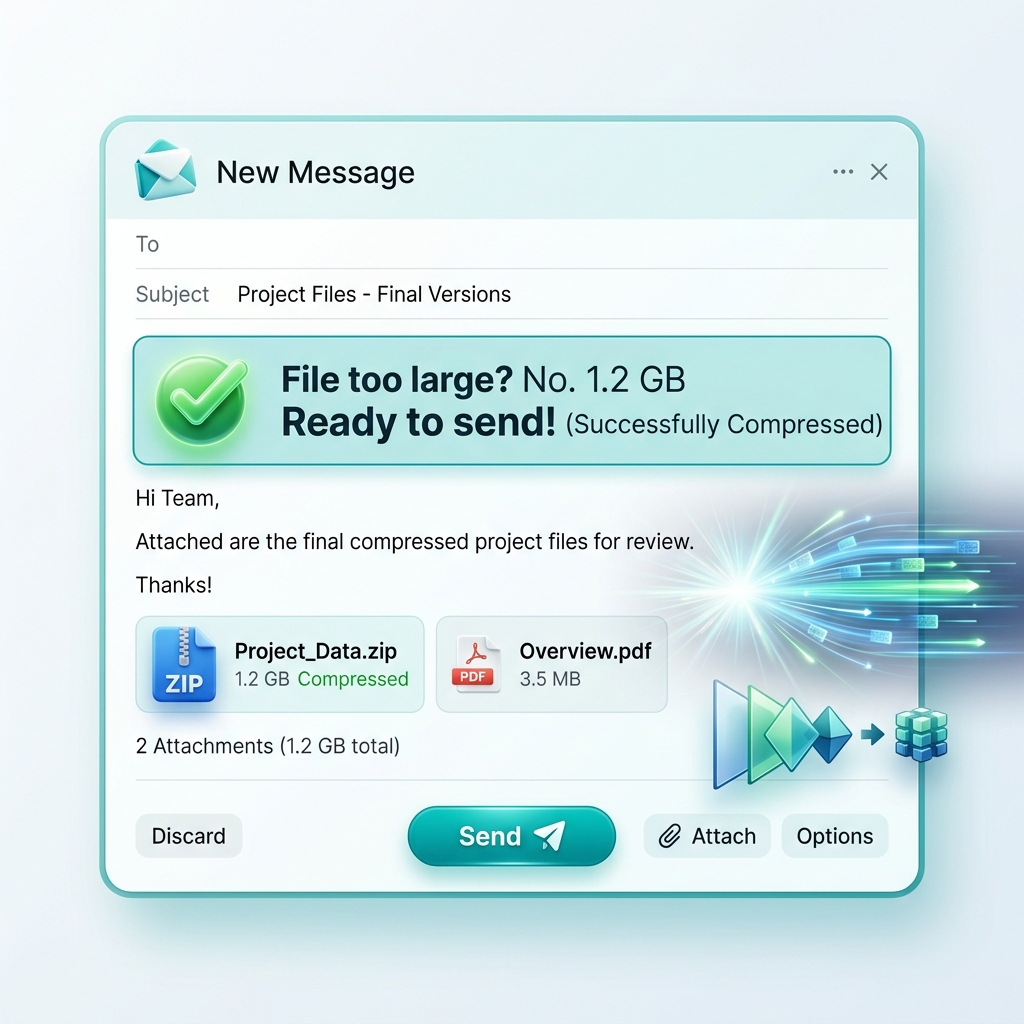
We've all been there: you try to send a few photos from your latest project to a client or a colleague, and your email app throws up the dreadful "Message too large" error. Or worse, you send the massive email, and ten minutes later you receive a "Mail Daemon Bounce Back" notification because the recipient's inbox quota is full. Sending full-size, unoptimized images via email is more than just a technical annoyance—it is a massive productivity killer that instantly makes you look unprofessional in a corporate environment.
In this comprehensive 1500+ word technical and productivity guide, we will break down the exact mathematics of why email handles binary files so poorly. We'll explain the hidden privacy dangers of "Original" files, and show you how to use 3esk Converter to establish a frictionless, professional sharing workflow for 2026.
1. The Mathematics of Email: The Base64 Inflation
To understand why sending images via email is so painful, you have to understand how email protocols work. Email was designed in the 1970s (SMTP - Simple Mail Transfer Protocol) strictly for sending plain ASCII text. It was never designed to handle binary data (like a JPG image).
When you attach a photo to an email, your email client (Outlook, Gmail, Apple Mail) has to "encode" that binary image into plain text so the ancient SMTP protocol can read it. It does this using a process called **Base64 Encoding**. The technical catch? Base64 encoding inflates the file size of your attachment by **roughly 33%**.
- The Consequence: If you try to send a 20MB batch of photos, you think you are safely under Gmail's 25MB attachment limit. But once encoded, that 20MB becomes **27MB**, and the server rejects it.
- The Fix: By compressing your images first, you give yourself the necessary headroom to survive the Base64 inflation penalty.
2. The "Mobile Data" Courtesy Expectation
In modern business, your email is almost guaranteed to be opened first on a mobile device. Consider the recipient's context. They might be in an airport, running on low battery, relying on a spotty cellular connection or a metered data plan.
If you send five 10MB raw photos from your iPhone, you are forcing that person's phone to violently download 50MB of data just to read your message. It clogs their email client, stalls their background syncs, and drains their battery. It is a massive "UX Mistake" in human communication. Using 3esk to shrink those files to 300KB each shows that you respect your recipient's time and digital resources.
3. The Storage Bloat Epidemic
Email environments are not designed to be cloud storage platforms. When you send massive files, you are creating duplicate bloat across multiple servers. That 20MB file sits in *your* "Sent items" folder permanently, and it sits in the *recipient's* "Inbox" permanently. Eventually, this forces both of you to hit your domain storage quotas, requiring expensive Microsoft 365 or Google Workspace upgrades.
"Efficiency Rule for 2026: Never send an image intended for 'screen viewing' that is larger than 800KB. If the recipient needs the 'Print Quality Master,' send a dedicated secure cloud link after they approve the lightweight preview."
4. The Danger of Unstripped EXIF Metadata
Most professionals don't realize that modern cameras (especially smartphones) embed an incredible amount of "invisible" data into every photo. This is called EXIF data. It includes:
- The exact GPS coordinates (latitude/longitude) of where the photo was taken.
- The date and millisecond time it was captured.
- The unique serial number of your phone or camera lens.
When you attach "Raw" or "Original" unedited images to an email, you are broadcasting this personal privacy footprint to anyone in the email thread. If that email is forwarded, you lose control of your location data. When you process your photos through the 3esk Image Compressor, our engine defaults to stripping this sensitive identifying data, ensuring your privacy remains intact.
5. The Professional Delivery Workflow
How do top-tier agencies and professionals handle asset delivery without breaking email rules? They follow a strict, hybrid workflow:
- Batch Compress for Previews: Use our Batch Tool to turn your high-res originals into optimized WebP or highly compressed JPG files.
- Resize for Design Approval: Use the 3esk Resizer to set a maximum width of 1600px. A 1600px image looks incredibly sharp on a Retina display or a 4K monitor, but takes up 90% less space than a 6000px original.
- Attach the "Light" Versions: Send these small, fast files directly in the email attachment. They will bypass spam filters, avoid Base64 inflation limits, and load instantly for the client.
- Provide the "Heavy" Link: In the body of the email, simply write: "Hi Client, see the attached low-res previews for immediate review. You can download the full-resolution print masters from this Dropbox/Google Drive link."
This workflow solves every problem. The client gets instant gratification, the email servers are happy, and you look like a seasoned professional.
6. Dealing with the "Inline Image" Nightmare
Many email clients try to display images "inline" (embedded directly in the text body) rather than as a downloadable attachment file. If you drop a massive 4000x3000 pixel, 6MB image into the body of an Outlook email, it forces the recipient to scroll horizontally for days just to read your text. Resizing your images to a sensible 600px or 800px width ensures your email layout remains readable and perfectly formatted.
7. FAQ: Mastering Email Attachments
Q: Why does my phone ask me what 'size' to send the photo?
Apple and Android mail apps know that sending original files is a bad idea. When they ask to send "Small, Medium, Large, or Actual Size," they are running a basic lossy compression algorithm on the fly. However, you have zero control over the quality. Using 3esk gives you the exact dimensions and quality control before you attach it.
Q: Will zipping the images help?
Usually, no. Formats like JPG, PNG, and WebP are *already* compressed formats. Putting a bunch of JPGs into a `.zip` folder will rarely shrink the total file size by more than 1-2%. You have to reduce the image dimensions or quality to get real file size savings.
Q: Does converting to a PDF fix the size limit?
If you just embed massive images into a PDF without downsampling them, the PDF will be just as large (or larger) than the original images. The images must be optimized first, regardless of the container format.
Conclusion: Reduce Friction, Increase Professionalism
Great business communication is ultimately about reducing friction for the person on the other end. By sending optimized, correctly-sized, metadata-stripped images, you guarantee that your messages are delivered instantly, your recipients aren't frustrated by endless buffering, and your brand's technical competence shines through.
Stop the endless cycle of bounced emails and clogged outboxes today. Integrate 3esk Converter into your daily pre-email workflow, prepare your attachments properly, and become the most efficient communicator in your network.
Prepare Your Attachments
Convert, compress, and resize your email attachments in seconds. Fast, free, and completely professional. Try 3esk today.
Start Optimizing