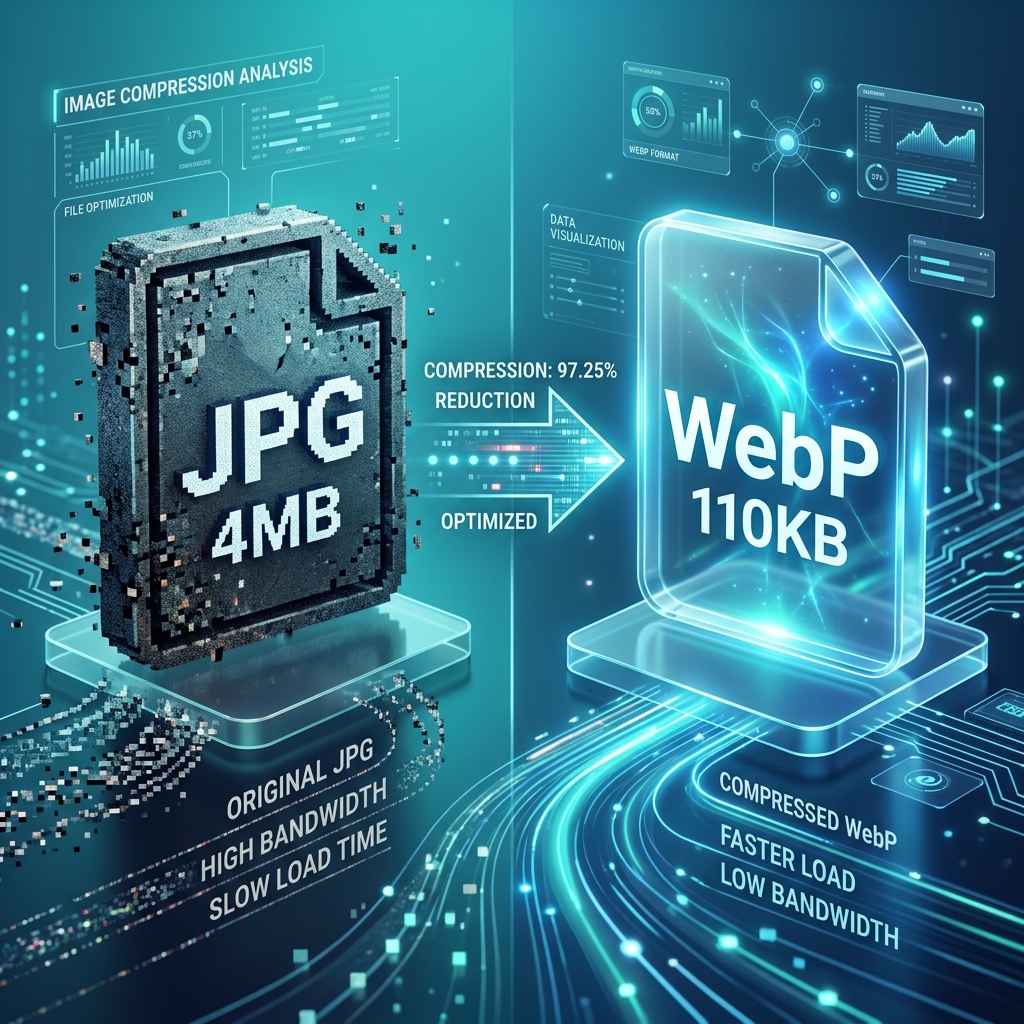
In the early days of the web, the choice was simple: use JPG for photos and GIF for anything that moved or had transparency. Later, PNG arrived to give us higher quality and better alpha channels. But today, in 2026, the arrival of **WebP** has disrupted this classic trifecta. WebP is a versatile powerhouse that can do almost everything the older formats can—often at a fraction of the size.
However, "better" doesn't mean "always right." There are still specific technical scenarios where a PNG or a high-bitrate JPG is the superior choice. In this comprehensive 1500+ word guide, we will break down the physics of format selection and give you the definitive rules for when to stick with the veterans and when to embrace the future with 3esk Converter.
1. The Anatomy of WebP: Why It Wins Most of the Time
WebP was developed by Google with a single goal: making the web faster. It achieves this by using **Predictive Coding**. To understand why you should use it, you must understand how it works differently than JPG.
- JPG: Divides an image into 8x8 blocks and uses a mathematical formula (Discrete Cosine Transform) to simplify the data. It can't "see" what's in the next block.
- WebP: Looks at a block and *guesses* what the next block looks like based on patterns. It only saves the "residual" (the difference between the guess and the reality). This prediction logic is what allows WebP to be 25-35% smaller than JPG.
2. The PNG Battle: Lossless and Transparency
PNG has long been the king of "Lossless" quality. WebP also has a lossless mode, which is typically 26% smaller than PNG. So why would anyone still use PNG?
When to stick with PNG:
- Source Assets: If you are a designer, keep your master files in PNG. Converting a WebP back to PNG for editing can introduce tiny artifacts.
- Medical or Scientific Imagery: In fields where every single pixel must be mathematically identical to the capture (like X-rays), PNG-24 remains the gold standard for compliance.
- Complex Textures on Flat Backgrounds: Sometimes, very specific dithered patterns in old-school graphics can "smear" slightly in WebP Lossless, though this is rare in 2026.
When to switch to WebP:
- Web UI Icons: If you aren't using SVG, use WebP. It handles transparency beautifully and results in a much faster page load.
- Screenshots: WebP Lossless is significantly better at compressing UI elements and text than PNG.
3. The JPG Battle: Photographs and Realism
JPG is the most compatible format in history. But in 2026, compatibility is no longer an excuse to serve bloated files.
The "Compatibility" Myth
Every modern browser, including Safari on iOS and Chrome on Android, has supported WebP for years. The only users who can't see WebP are likely running Internet Explorer 11 on Windows 7—a demographic that accounts for less than 0.1% of global traffic. If your site targets modern users, WebP should be your primary photograph format.
4. Technical Scenario: The "Alpha Channel" Advantage
One of the most powerful reasons to use WebP is its treatment of the "Alpha Channel" (transparency). Standard JPG cannot have transparency. PNG can, but it's very heavy. WebP allows for **Lossy RGB with Lossless Alpha**.
This means you can compress the colors of a product photo to save space, but keep the shadows and edges perfectly crisp and transparent. This "hybrid" approach is impossible in PNG or JPG and is the secret to high-performance e-commerce sites in 2026.
"Pro Tip: If you are building a product catalog with 1,000+ items, switching from transparent PNG to transparent WebP can reduce your total image storage costs by 70%."
5. Format Selection Flowchart (2026 Edition)
Use this mental model when using our image tools:
- Is it an icon or simple graphic? ➡️ Use **SVG**.
- Is it a photo with no transparency? ➡️ Use **WebP** (or AVIF for hero images).
- Is it a photo with a transparent background? ➡️ Use **WebP**.
- Does it have text that must stay sharp while zoom? ➡️ Use **WebP Lossless** or **PNG**.
- Is it a source tile for a game engine? ➡️ Use **PNG**.
6. Performance Benchmarks
We tested a high-resolution 2000x2000 product photo across all three formats:
| Format |
File Size |
Notes |
| PNG-24 (Transparent) |
1.4 MB |
Visually perfect, but slow to load on mobile. |
| JPG (90% Quality) |
480 KB |
No transparency support. Visible artifacts in gradients. |
| WebP (80% Quality) |
110 KB |
Full transparency support. Nearly identical to the PNG. |
7. The SEO Equation: Core Web Vitals
Google's ranking algorithms prioritize "Largest Contentful Paint" (LCP). If your main image is a 1.4MB PNG, your LCP score will be in the "Red" zone. By converting that image to a 110KB WebP using 3esk, you move into the "Green" zone instantly. This isn't just about saving space; it's about making sure your site shows up on page 1 of the search results.
8. FAQ: Common WebP Questions
Q: Why does Apple support WebP now if they have HEIC?
HEIC is great for storage on your iPhone, but it is not a web standard. Apple recognized that for the web to stay fast, they needed to support the formats the rest of the world uses. In 2026, WebP is the universal bridge between all operating systems.
Q: Can WebP handle CMYK for printing?
No. WebP is strictly an RGB (web and screen) format. If you are preparing files for a professional printer, you should keep them in **TIFF** or **high-quality JPG**. Use our printing guide for more info.
Q: How do I convert my whole library at once?
Our batch converter is designed for this. You can drag an entire folder into the browser window, and it will process all the files locally. It is the fastest way to modernize a legacy website.
Q: Does WebP degrade over time?
No. Digital files do not "rot." However, every time you *re-save* a lossy file (like a lossy WebP or JPG), you introduce new artifacts. Always use 3esk to convert from a high-quality source (like a PNG or raw JPG) rather than converting one compressed format to another.
Conclusion: The 2026 Verdict
The technical debate is over. For 95% of web use cases, **WebP is the winner**. It offers the transparency of PNG, the photographic realism of JPG, and the file size efficiency of a modern codec. While PNG still has a place in the designer's toolbox, it no longer belongs on the live web server.
Ready to make the switch? Join the thousands of developers and site owners using 3esk Converter to build a faster, lighter, and more visible internet. Convert your first batch today—for free, and for good.
Bridge the Format Gap
Don't let heavy images hold back your performance. Convert to SEO-friendly WebP in one click.
Open WebP Converter