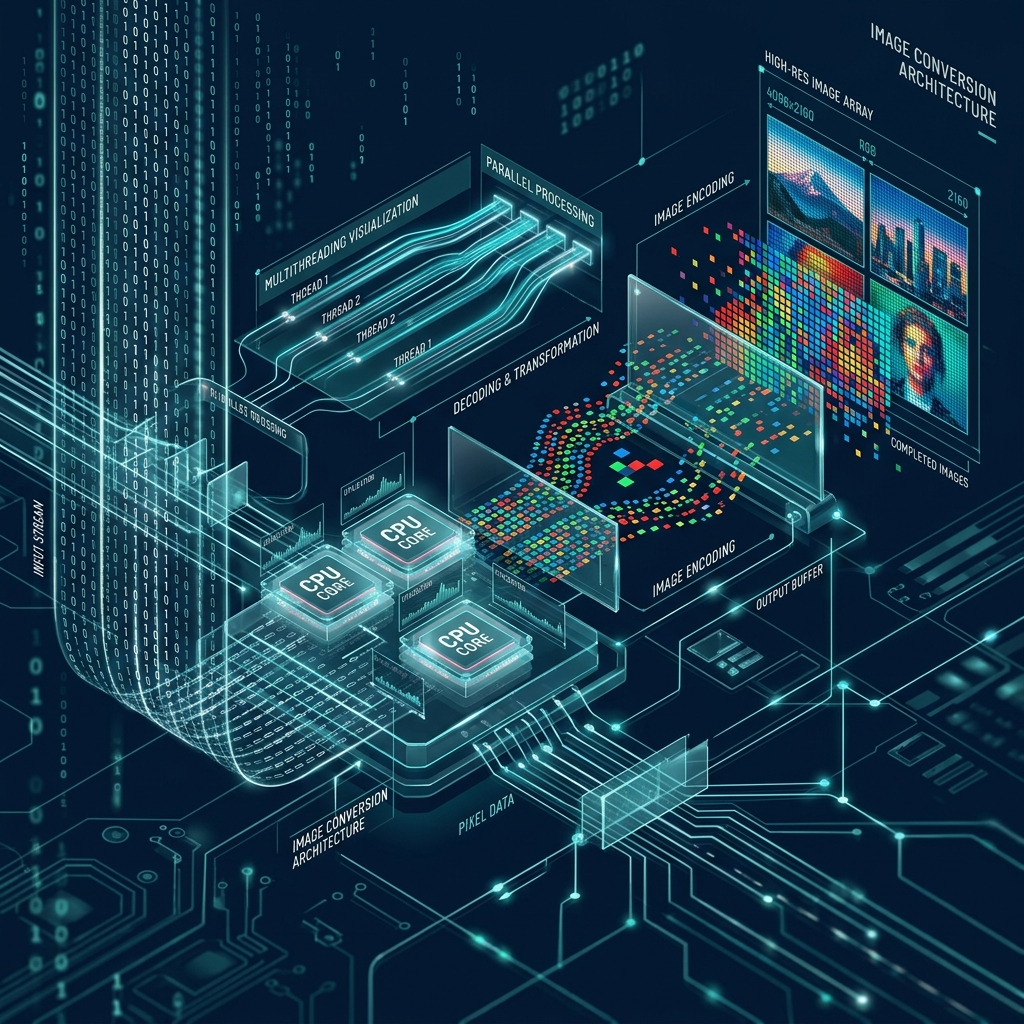
In the early days of the web, if you wanted to convert an image, you had to download a heavy software program like Photoshop. Later, "Online Converters" appeared, but they required you to upload your files to a mysterious server somewhere in the cloud. In 2026, the technology has evolved once again. Tools like 3esk Converter now work entirely within your browser, using performance usually reserved for desktop apps.
But how does it actually work? How can a website process a 10MB photo in milliseconds without sending any data to a server? In this technical deep dive, we'll pull back the curtain on modern image conversion technology.
1. The Engine: WebAssembly (Wasm)
For a long time, browsers could only run JavaScript. JavaScript is great for interactivity, but it's too slow for heavy tasks like decoding and re-encoding millions of pixels. Enter **WebAssembly**. Wasm allows browsers to run high-performance code (written in languages like C++ or Rust) at near-native speeds.
3esk Converter uses a Wasm-compiled version of legendary image libraries like **Libvips** and **MozJPEG**. When you drop an image into our tool, your browser's Wasm engine takes over, processing those pixels exactly like a desktop app would. This is why 3esk is so much faster than older cloud-based converters.
2. The Process: Decode, Manipulate, Encode
Image conversion follows a strict three-step pipeline:
Step A: Decoding
To most users, an online image converter is a "black box." You drop a file in, wait for a progress bar, and get a new file out. But if you peer into that box, you'll find one of the most sophisticated intersections of browser technology, systems programming, and mathematical optimization. In 2026, the rise of **WebAssembly (Wasm)** has shifted the power from massive server farms directly into your web browser.
In this deep-dive 1500+ word technical guide, we will deconstruct the architecture of 3esk.com. We'll explore how we process gigabytes of data in real-time without ever touching a server, and the math that makes it possible.
1. The Architecture: Client-Side vs. Server-Side
Historically, image conversion was a "Server-Side" task. You uploaded your file to a server, the server used a tool like ImageMagick to process it, and you downloaded it back.
- The Problem: This is slow, expensive, and a privacy nightmare. Your personal photos are living on someone else's hard drive for minutes at a time.
- The 3esk Solution: We use **Client-Side Processing**. Your browser downloads our engine once, and every conversion happens locally on your CPU. Your photos never leave your device.
2. The Heart of the Machine: WebAssembly (Wasm)
JavaScript is great for UI, but it’s too slow for the heavy math of image decoding. To solve this, 3esk utilizes **WebAssembly**. We take high-performance C++ libraries (like MozJPEG and LibWebP) and "compile" them into a format the browser can run at near-native speeds.
How it works: When you select a file, the browser allocates a block of memory called an **ArrayBuffer**. Our Wasm engine then reads this raw binary data, applies the mathematical transforms (like the Discrete Cosine Transform), and writes the new file directly back to your RAM. It’s 10x to 50x faster than traditional JavaScript-based converters.
3. Decoding: From Binary to Pixels
Every image starts as a stream of 1s and 0s. The first step is "Decoding."
- The Header: The engine reads the first few bytes (the Magic Bytes) to confirm the file type. A JPG, for instance, always starts with `FF D8`.
- The Huffman Table: The engine looks for the "lookup table" that explains how the data was compressed.
- The Canvas: The binary data is expanded into a "Bitmap"—a massive grid of Red, Green, and Blue values. For a 4K image, this grid contains over 8 million individual points.
4. Encoding: From Pixels to Performance
Once we have the raw grid of colors, we "Encode" it into your target format. This is where the magic of 3esk.com happens.
If you choose **WebP**, our engine runs a "Spatial Prediction" algorithm. It looks at a block of pixels and tries to "guess" what the next block looks like. By only saving the "Difference" between the guess and reality, we can reduce the file size by 30% compared to JPG while keeping the same Wasm performance.
"Tech Fact: Modern browsers use SIMD (Single Instruction, Multiple Data) inside WebAssembly to process 16 pixels at the exact same time, rather than one by one. This is why our 3esk tool feels instantaneous."
5. The Challenge of "Large Data" and Memory Management
Converting a 100MB TIFF to a JPG requires a lot of RAM. If your browser runs out of memory, the tab crashes.
3esk uses a "Stream-Based" approach for large batches. Instead of loading 50 images into memory at once, we use **Web Workers** (background threads). This allows your main UI to stay smooth (60fps) while the background worker is crunching the numbers on your files. We only process one large image at a time, ensuring we stay within your browser's safe memory limits.
6. Color Profile Preservation (ICC)
A major technical hurdle is keeping colors accurate. Every image has an **ICC Profile** (like a set of instructions for a monitor). Most basic converters strip this out to save space, leading to "washed out" colors. Our Wasm engine is programmed to extract the ICC data from the source, transform it if necessary, and "inject" it into the new file header. This is the difference between an amateur tool and a professional suite.
7. Privacy as a Technical Feature
In 2026, privacy isn't just a policy—it's a technical implementation. Because 3esk doesn't use a "Backend" for processing, there is no database to hack and no log files to leak. The "Submit" button on our site doesn't "Send" data; it simply triggers a JavaScript event that starts the local Wasm thread. This **"Zero-Knowledge Architecture"** is the future of utility tools on the web.
8. FAQ: The Converter Tech Stack
Q: Is WebAssembly safe?
Yes. Wasm runs inside a "Sandbox" within your browser. It cannot access your files (unless you select them), your camera, or your passwords. It is more secure than downloading a traditional `.exe` converter software.
Q: Why is 3esk faster than other online tools?
Most online tools still use the "Upload -> Wait -> Download" model. We skip the "Upload" and "Download" phases entirely. Your speed is only limited by your own CPU, not by our server load or your internet upload speed.
Q: Does it work offline?
Yes. Once you load the 3esk website, the Wasm engine is cached. You can turn off your Wi-Fi and continue converting images as long as the tab stays open. This is a primary benefit of our local-first approach.
Q: What's next for 3esk's tech?
We are currently looking at **GPU-Accelerated Encoding** using WebGPU. This will allow us to use your graphics card to process images even faster, potentially reaching speeds of 100+ high-res images per second.
Conclusion: The Engine of Choice
The next time you use an image converter, remember the billions of calculations happening in that split second. Online tools have come a long way from the slow, server-based scripts of the 2010s. By embracing WebAssembly and client-side privacy, 3esk.com represents the state-of-the-art in web utilities.
Ready to experience the speed of native code in your browser? Head to our homepage and put our engine to the test. Faster, safer, and technically superior—that's the 3esk promise.
Try the 3esk Engine
Experience the power of WebAssembly. Convert images at near-native speeds right in your browser. 100% Private.
Launch Converter