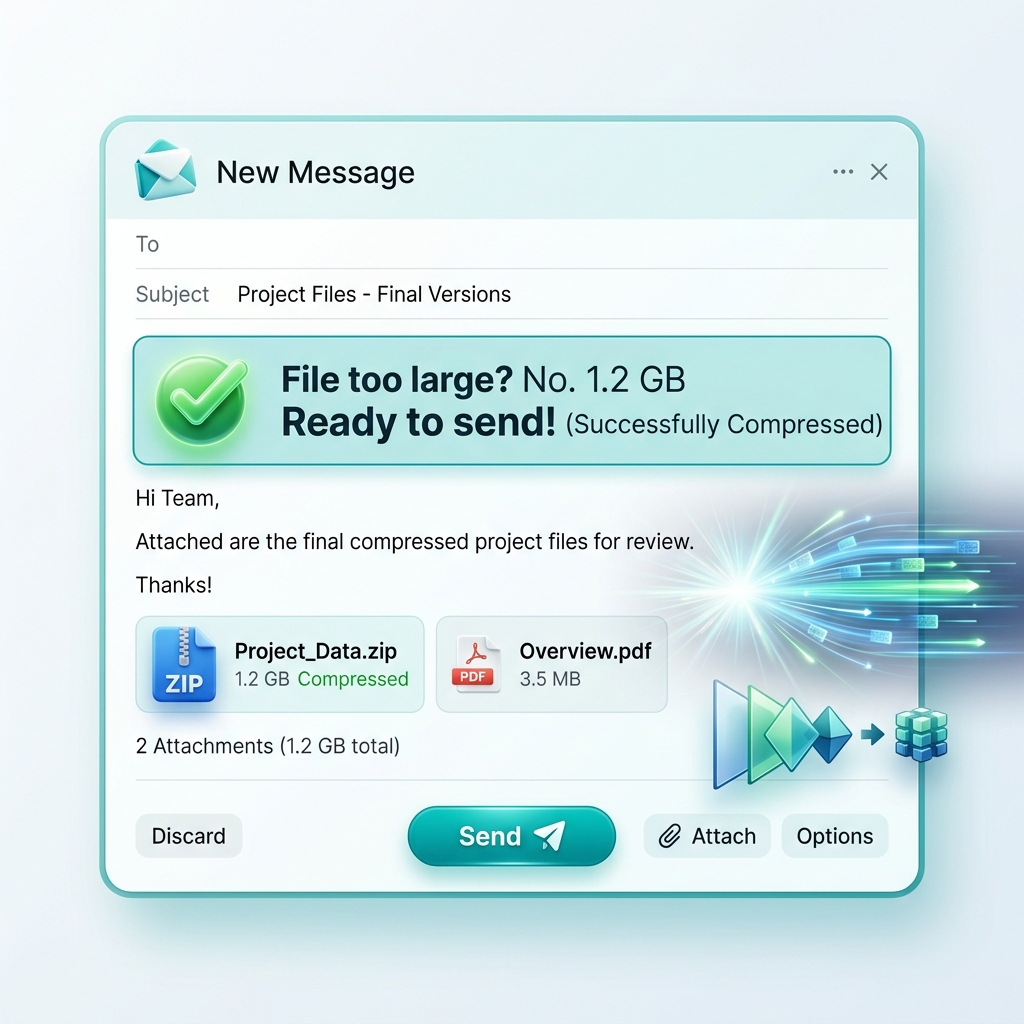
We carry professional-grade photography studios in our pockets every day. Modern iPhones and flagship Android devices capture stunning 48-megapixel (or higher) photos. But these dense, beautiful images come at a massive technical cost: **Storage Space and Bandwidth**. A single high-res "ProRAW" or unoptimized HEIC photo can consume anywhere from 10MB to 35MB. If you are trying to attach 15 of these photos to an email, submit them via a government web form, or upload them over a weak 4G connection, you will immediately hit a hard wall of failure.
While the iOS App Store and Google Play Store are flooded with "Compressor Apps," the vast majority of them are packed with invasive advertisements, expensive weekly subscriptions, or worse: they secretly upload your private photos to a remote cloud server to process them. In this exhaustive 1500+ word guide, we will outline the modern, secure way to solve this problem. We'll show you how to leverage the hidden power of your mobile browser to compress your images locally—no app installation required—using 3esk Compressor's WebAssembly technology.
1. Why Compress on Mobile? The Real-World Friction
- Saving Extortionate Mobile Data: If you are traveling or on a metered data plan, uploading a 50MB batch of photos to a social media dashboard can cost real money. Compression drastically reduces this cellular tax.
- Bypassing Aggressive Attachment Limits: The business world still runs on email, and systems like corporate Outlook and Gmail stubbornly maintain a 25MB attachment limit. Compression is the only way to send a complete project portfolio in a single thread without relying on messy third-party cloud links.
- Instantaneous Social Sharing: Sending a 200KB WebP image on WhatsApp, Telegram, or Discord is absolutely instant compared to the endless buffering of a 10MB original file. It keeps conversations moving.
- Digital Privacy and Sovereignty: By utilizing a browser-based, client-side tool, you are ensuring your data never leaves the "sandbox" of your device. You don't have to blindly grant full file system access to a shady third-party app developer.
2. The Technical Magic: How Mobile Browsers Perform Compression
Ten years ago, a mobile browser like Safari or Chrome was basically a document viewer. It couldn't perform heavy mathematical tasks like image processing. Today, mobile browsers are full-fledged operating systems.
The 3esk Converter utilizes a technology called **WebAssembly (Wasm)**. Wasm allows us to take professional, desktop-grade compression engines (like MozJPEG or libwebp) and run them directly inside your iPhone or Android's processor at near-native speed.
When you select a photo on 3esk, your phone loads the binary pixel data directly into the Safari/Chrome memory (RAM). The WebAssembly code analyzes the pixels, strips the useless metadata, applies the Discrete Cosine Transform algorithm to eliminate redundant data, and generates a new, ultra-light WebP or JPG file. *Your photo never goes to the internet.* The entire process happens locally on your mobile chip in milliseconds.
3. Compressing on iPhone (iOS) and the HEIC Dilemma
Apple devices save photos in the **HEIC (High-Efficiency Image Container)** format by default. While HEIC is brilliant for saving space on your iCloud, it is a proprietary format that is notoriously incompatible with many Windows-based systems, older web browsers, and many online submission forms.
- Open Safari (or Chrome/Firefox for iOS) and navigate to 3esk Compressor.
- Tap the central "Upload" zone. iOS will present a native menu: choose "Photo Library" to pick existing images, or "Take Photo" to shoot and compress instantly.
- When you select a HEIC file, the 3esk WebAssembly pipeline will instantly decode the complex HEIC payload using the browser's native Canvas API.
- It automatically re-encodes the image into a highly compatible, universal format like **JPG** or **WebP**.
- Adjust the quality slider (we recommend an 80% compression threshold for an optimal balance of clarity and microscopic file size).
- Tap "Download," and iOS will offer to save the new optimized file to "Files" or directly back to your "Camera Roll."
4. Compressing on Android: Maximum Flexibility
The Android ecosystem offers massive flexibility, but because there are thousands of different camera configurations (Samsung, Google Pixel, Xiaomi), original file sizes can be wildly unpredictable. An uncompressed Android photo can quickly overwhelm a web script.
- Launch Google Chrome on your Android device and navigate to 3esk.com.
- Select the "Image Compressor" from the main navigation.
- Tap the upload zone. The Android File Picker will open. You can select recent photos, browse specific albums, or even access photos stored in Google Drive.
- Pick your target format. If you are sharing the photo with another modern smartphone user, **WebP** is the absolute fastest format available. If you are submitting a document (like a passport scan), choose **JPG**.
- The V8 Javascript engine inside Android Chrome executes the compression instantly. Tap to download your slimmed-down, optimized library.
"Pro Security Tip: Never use 'Cloud' compressors for sensitive, personal documents (like ID cards, driver's licenses, or financial receipts). Cloud servers store your data, leaving you vulnerable to data breaches. Always use a 'Client-Side' tool like 3esk to guarantee the compression happens securely inside your phone's memory."
5. Memory Management: A Word of Caution on Mobile
Mobile phones have significantly less RAM (Random Access Memory) than desktop computers. An iPhone might have 6GB of RAM, whereas a laptop might have 16GB. When you upload an image to be processed, the browser must first "uncompress" the original image into raw bitmap data. A 48-megapixel photo can consume up to 150MB of RAM just to be held in memory.
If you try to batch-compress 50 raw, 48-megapixel photos simultaneously on a mobile browser, the browser will likely crash due to an "Out of Memory" (OOM) error. For the best mobile experience, use the 3esk batch tool to process images in smaller groups (e.g., 5 to 10 photos at a time) to ensure the mobile browser handles the memory spikes gracefully.
6. FAQ: Mobile Optimization Mastery
Q: Will this use up my mobile data allowance?
No! Because 3esk runs locally using WebAssembly, the only data you use is downloading the tiny script (which is cached on your first visit). The actual "uploading" and "compressing" happen strictly inside the hardware of the phone. You could theoretically put your phone in Airplane Mode after the site loads, and it would still work.
Q: Why not just use the built-in WhatsApp compressor?
WhatsApp uses a very aggressive, highly lossy compression algorithm over which you have absolutely zero control. It often destroys fine details and introduces ugly "blocky" artifacts. 3esk allows you to control the exact percentage of compression, giving you a professional, high-quality result at the same small file size.
Q: Can I compress screenshots?
Yes. Mobile screenshots are typically saved as massive **PNG** files because they contain text UI elements. Converting a mobile screenshot to an 80% quality JPG using 3esk will often reduce the file size by over 85% with absolutely no noticeable loss in text readability.
Conclusion: The Power is in Your Browser
You no longer need an expensive Adobe subscription, a clunky desktop computer, or an ad-filled third-party app to professionally manage your photographic assets. Thanks to the power of the modern mobile web, your browser is now an image processing powerhouse.
Take control of your digital weight and protect your privacy. Start saving storage space and transmission time today. Optimize your mobile photography with 3esk Converter and experience the speed of the modern, optimized web.
Compress on the Go
No app installations, no subscriptions, no privacy risks. Compress your mobile photos locally in seconds with 3esk. Fast, secure, and 100% free.
Launch Mobile Compressor